
BLUETECH COMPUTERS · MAHALAXMI, MUMBAI
OS Installation in Mumbai
Need a fresh operating system installation or help after a startup failure? Bluetech Computers provides OS installation and setup support in Mahalaxmi, Mumbai, with compatibility and backup requirements discussed first.
Call 9324721822 for an assessment
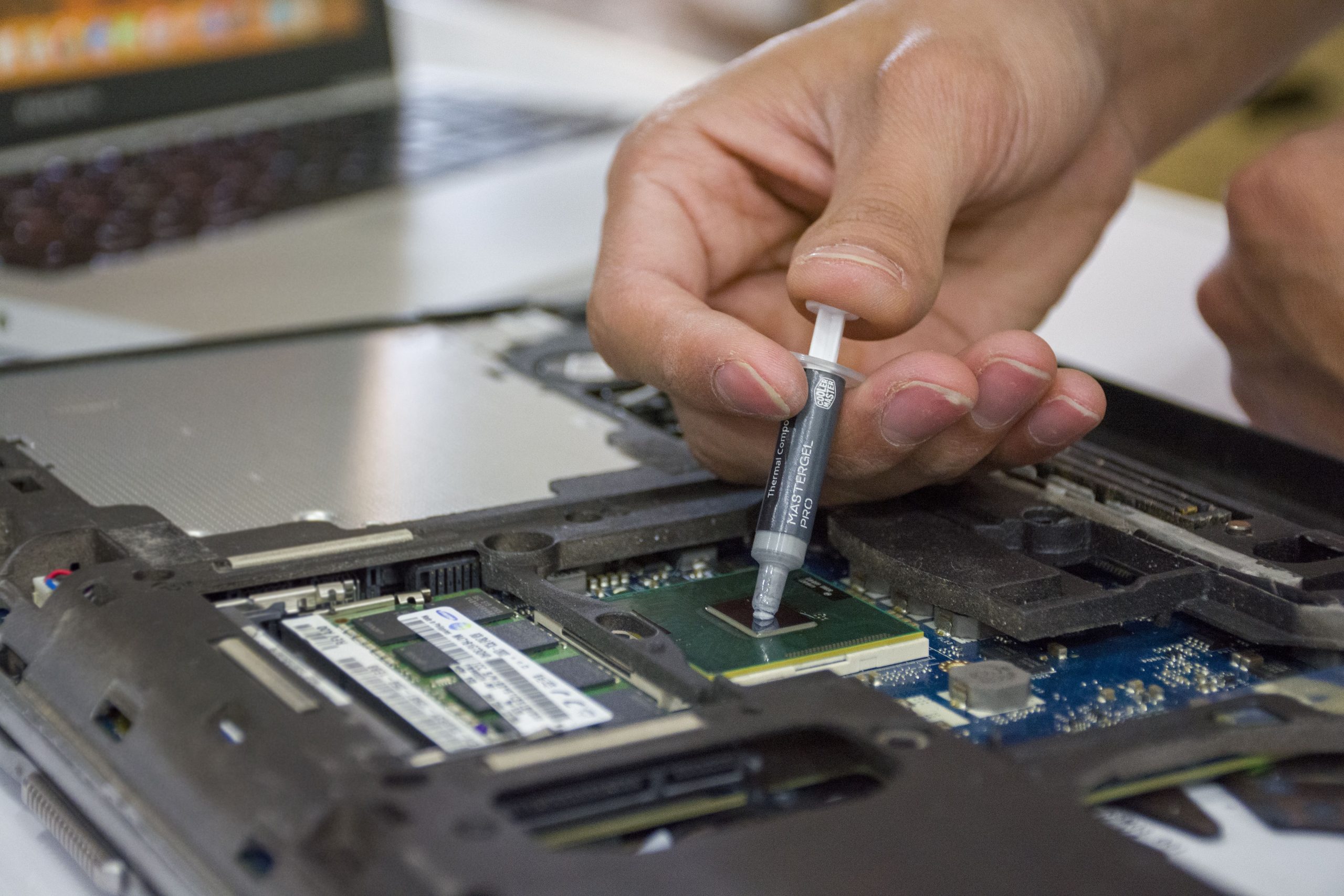
Operating system setup support
- Fresh installation on a compatible laptop or desktop.
- Reinstallation after software faults or a storage upgrade.
- Driver setup and basic startup checks after installation.
Assessment before the quote
The operating system must suit the hardware and your applications. We check the device requirements, discuss your valid licence and explain which files or applications need backing up. Installation and software licence charges are separate unless your quote states otherwise.
What happens during the service?
Bring the device, charger and details of the applications you need. We agree the backup and installation scope before changing the system. After installation we check startup, relevant drivers and basic functions. Applications may need reinstalling with their original licences and installers.
Frequently asked questions
Will an OS installation erase my files?
It can. Backups and partition choices must be agreed before installation. Tell us which files you need to retain.
Is a Windows licence included?
Do not assume it is included. We discuss your existing valid licence or any licence requirement in the quote.
Will reinstalling solve every problem?
No. Hardware faults and failing storage need separate diagnosis. We assess the cause before recommending a reinstall.
Visit Bluetech Computers in Mahalaxmi
101, 1st Floor, B Wing, Siddhivinayak CHS, K.K. Marg,Saat Rasta, Mahalaxmi, Mumbai, Maharashtra 400011
Monday–Saturday: 10:30 AM–7:30 PM. Sunday: closed.
Call 9324721822 with your device model and symptoms before visiting. Bring the charger if a power-related check may be needed.