
BLUETECH COMPUTERS · MAHALAXMI, MUMBAI
Data Recovery in Mumbai
Lost files, an unreadable drive or accidental deletion can disrupt personal and business work. Bluetech Computers offers data recovery assessment in Mahalaxmi, Mumbai, and discusses feasibility before you commit to recovery work.
Call 9324721822 for an assessment
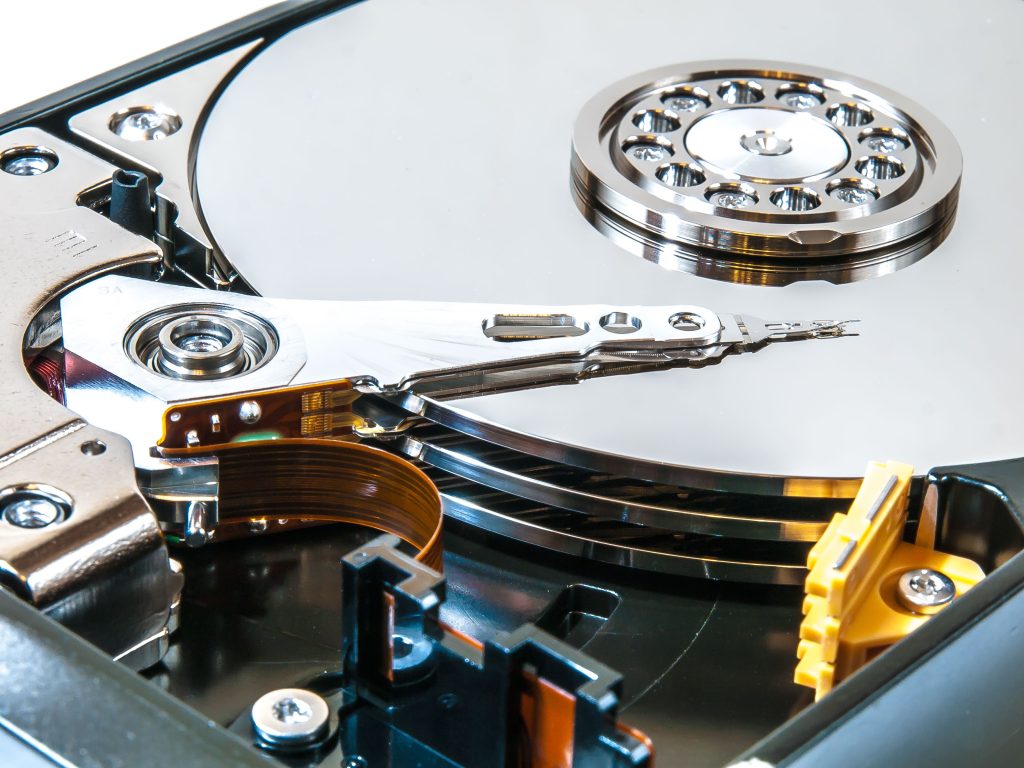
Storage problems we assess
- Deleted files and accidentally formatted storage.
- Hard drives, SSDs or USB drives that are not recognised.
- Damaged file systems and inaccessible folders.
Assessment before the quote
Recovery depends on the failure type, drive condition and whether data has been overwritten. Tell us what happened and which files matter most. We assess the device and explain the scope, cost and available options. Recovery is not guaranteed.
What happens during the service?
Stop saving files to the affected drive. Avoid repeated scans, formatting or repair tools, particularly when a drive clicks or disconnects. Bring the storage device and provide a separate destination for recovered files if requested. We discuss what can be checked without unnecessary changes to the original media.
Frequently asked questions
Can all deleted files be recovered?
No. Overwriting, encryption and physical damage can prevent recovery. An assessment is needed.
What should I do if a hard drive clicks?
Disconnect it and stop repeated power-on attempts. A physically damaged drive may need specialist laboratory work.
Will you quote before recovery?
We discuss the assessment findings and proposed recovery scope before you approve the work.
Visit Bluetech Computers in Mahalaxmi
101, 1st Floor, B Wing, Siddhivinayak CHS, K.K. Marg,Saat Rasta, Mahalaxmi, Mumbai, Maharashtra 400011
Monday–Saturday: 10:30 AM–7:30 PM. Sunday: closed.
Call 9324721822 with the storage type, what happened and the files you need. Stop using the affected drive and discuss assessment options before bringing the device.