
BLUETECH COMPUTERS · MUMBAI GUIDES
Slow laptop?
Choose the right upgrade.
RAM or SSD? Understand the symptoms before spending on parts. A practical checklist from Bluetech Computers in Mahalaxmi, Mumbai.
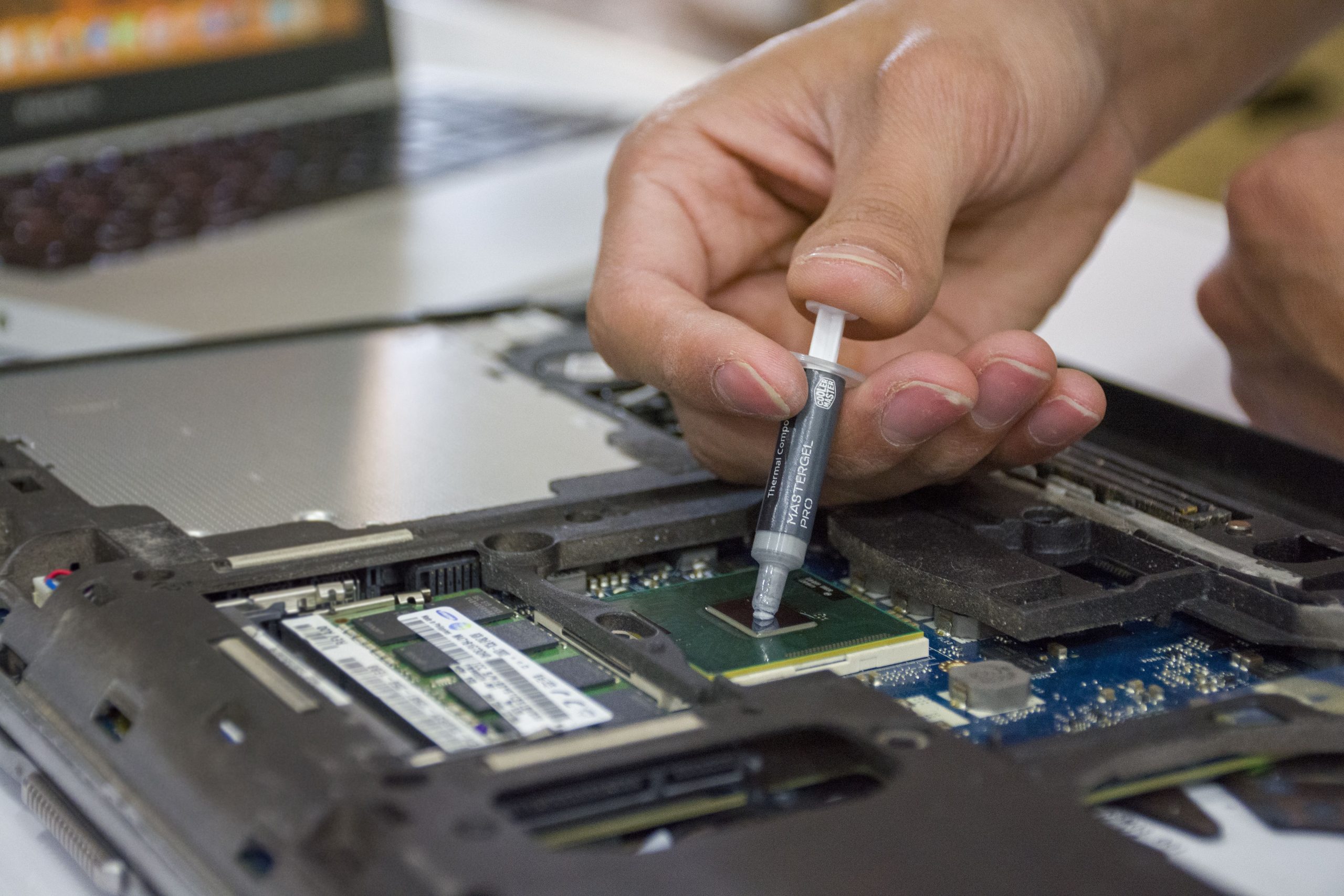
RAM and SSD do different jobs
RAM is working memory for active tasks. An SSD stores your operating system, applications and files. Extra RAM does not increase file-storage space, and a larger SSD does not automatically solve a shortage of working memory.
Which symptoms should you note?
- Slow startup or file opening: if the laptop still uses a mechanical hard drive, ask whether a compatible SSD would help. The existing drive’s health also needs checking.
- Slow switching between several apps: memory capacity and actual usage are worth checking before choosing RAM.
- Overheating, shutdowns or sudden freezing: request diagnosis first. An upgrade may leave the underlying fault unresolved.
- Slow internet only: describe whether the issue affects one device or every device on the network; buying storage may not address it.
What to check before ordering parts
Share the exact laptop model, current memory, storage type and the software you use. Upgrade options vary by model: some laptops have soldered memory, and SSD connectors, supported interfaces and physical sizes differ. A part should be selected after compatibility is confirmed.
Protect your files before the upgrade
Keep a separate backup of important files before work starts. Tell the technician whether you need existing files transferred or a fresh operating-system installation. Ask what happens to the old drive and whether software reinstallation is included. If a drive is failing, discuss recovery options before further use.
Questions to include in your quote request
- What exact RAM or SSD model and capacity are proposed?
- Are installation, data transfer and operating-system setup included?
- What manufacturer warranty and installation support apply?
- Will the old component be returned, and when can the work be completed?
At Bluetech Computers, compatibility, work scope, charges and expected timelines are discussed after assessment. There is no universal upgrade price or guaranteed speed improvement for every laptop.
Ask about an upgrade in Mahalaxmi, Mumbai
Send your laptop model, main problem and locality. See our SSD and RAM upgrade service, or our laptop repair information if the device needs diagnosis.
Send an upgrade enquiry or call 9324721822. Our service centre is at Saat Rasta, Mahalaxmi, Mumbai.
Further reading: Kingston: memory and storage explained; HP: laptop upgrade compatibility.